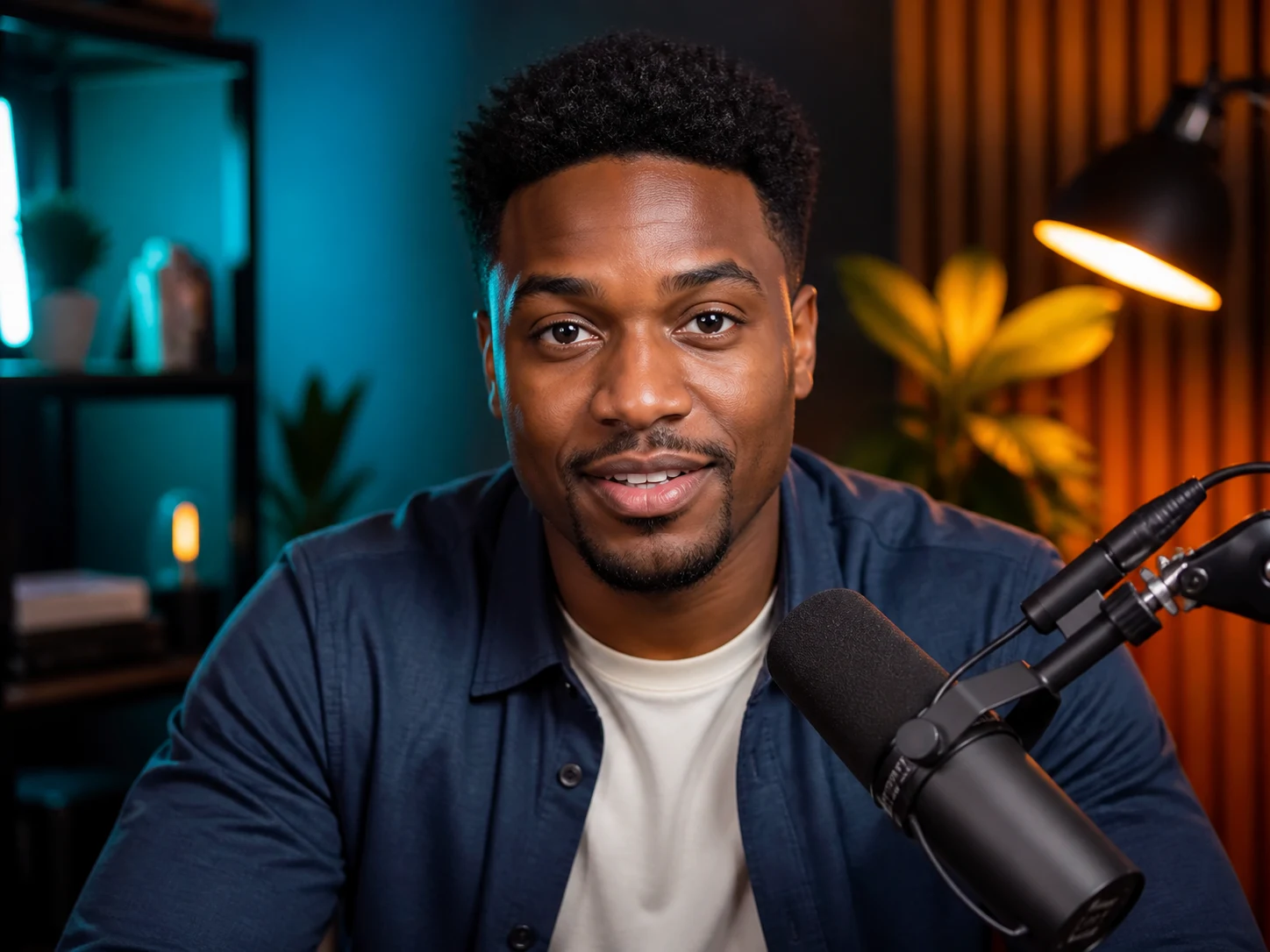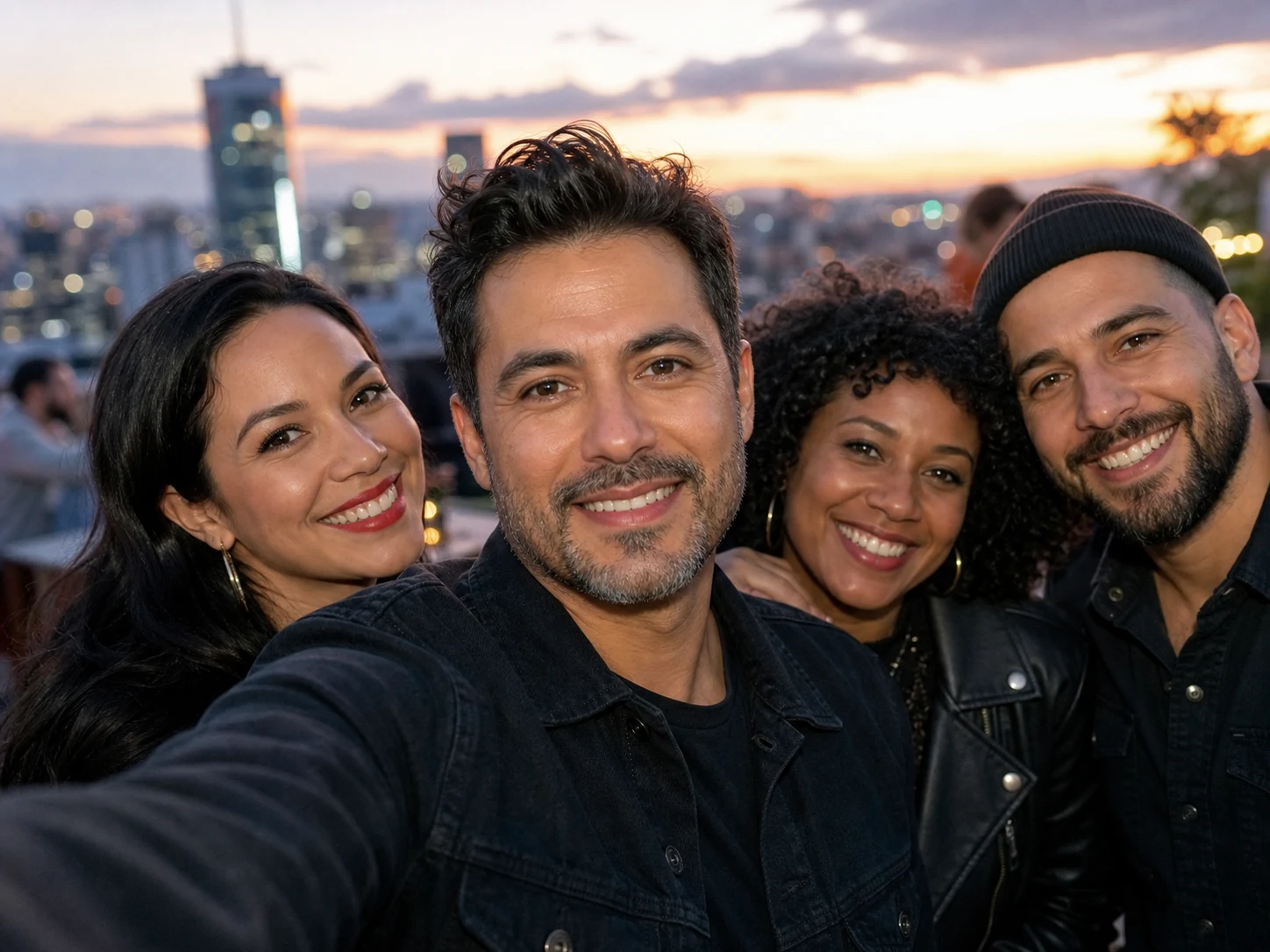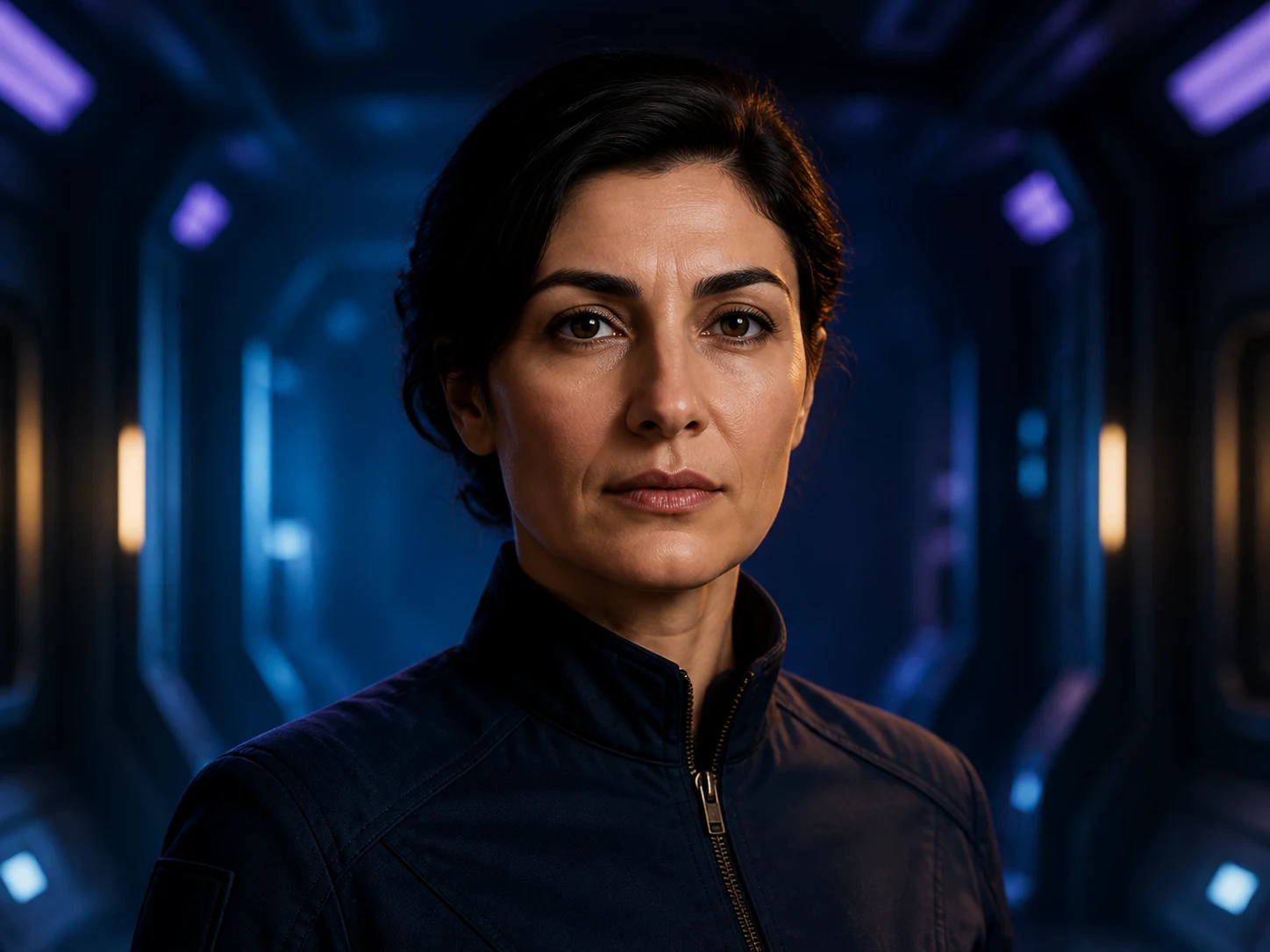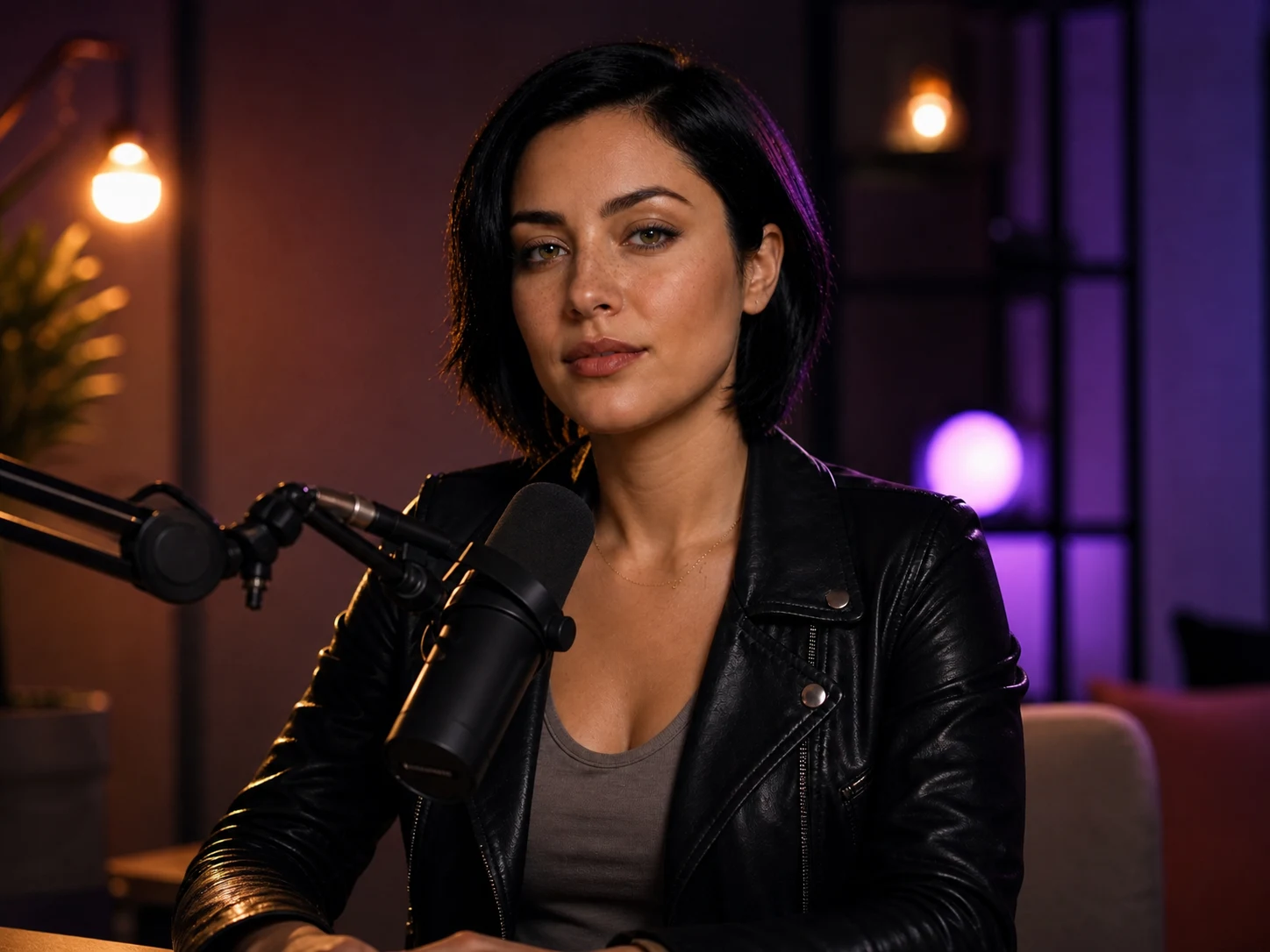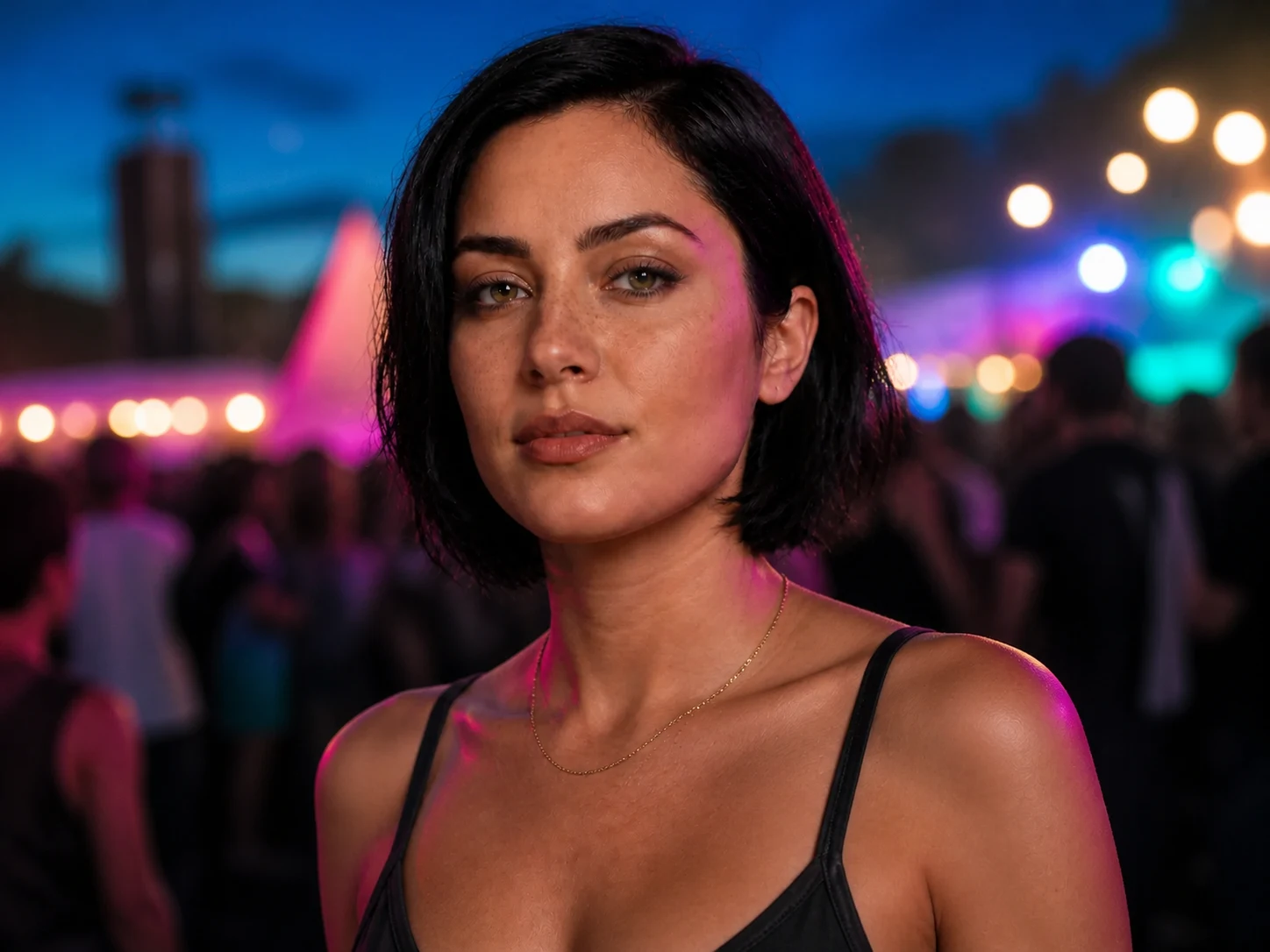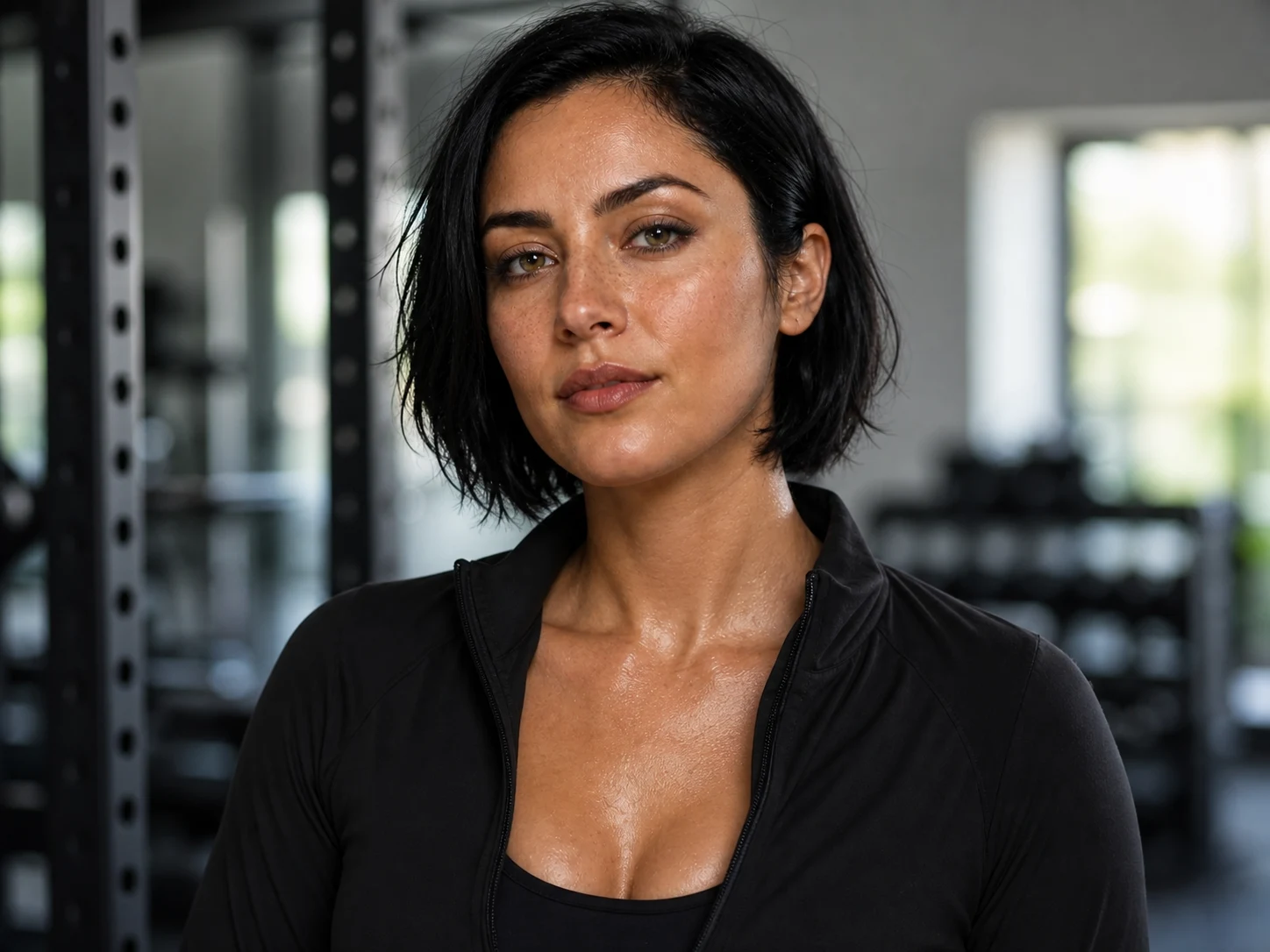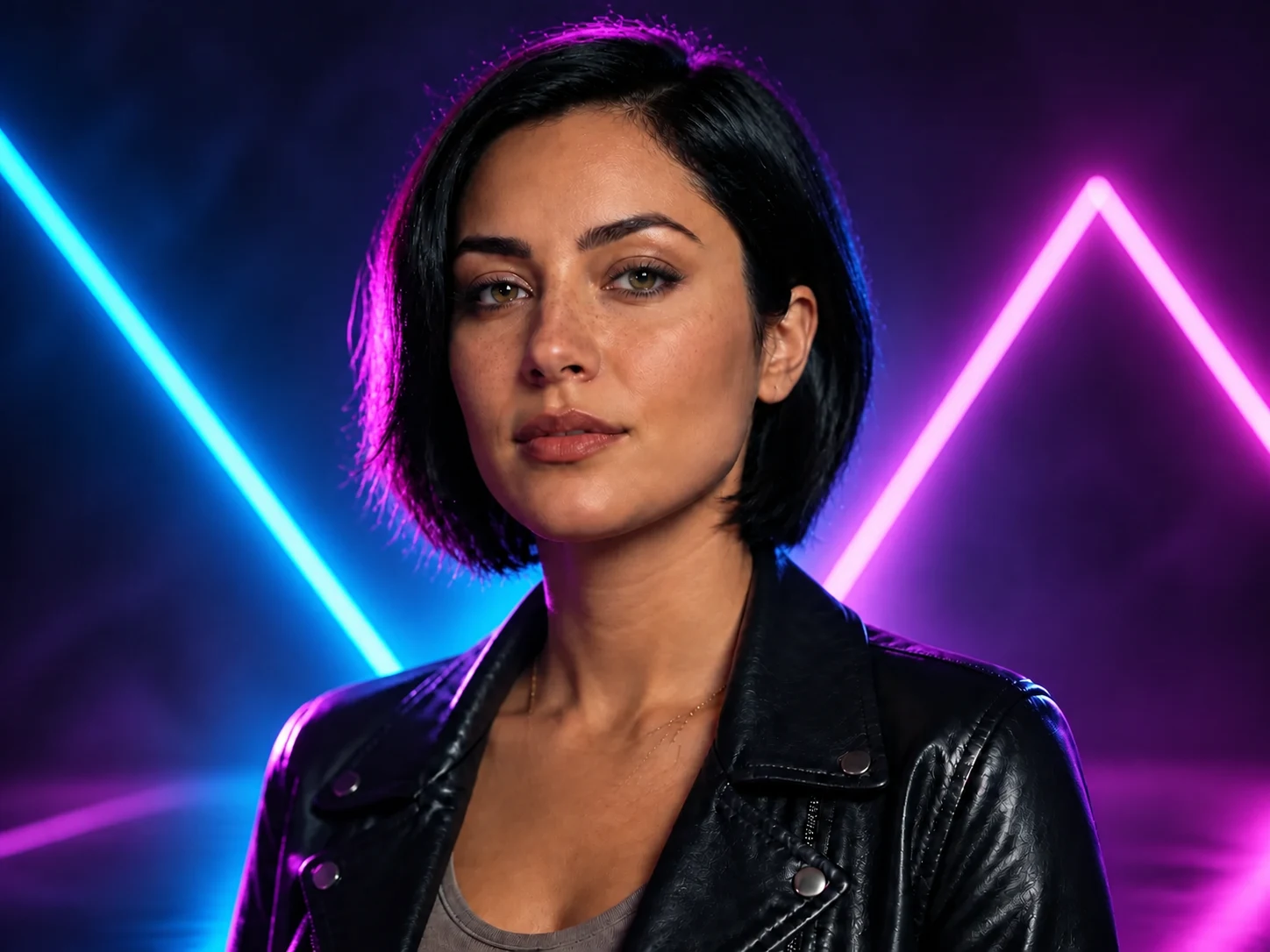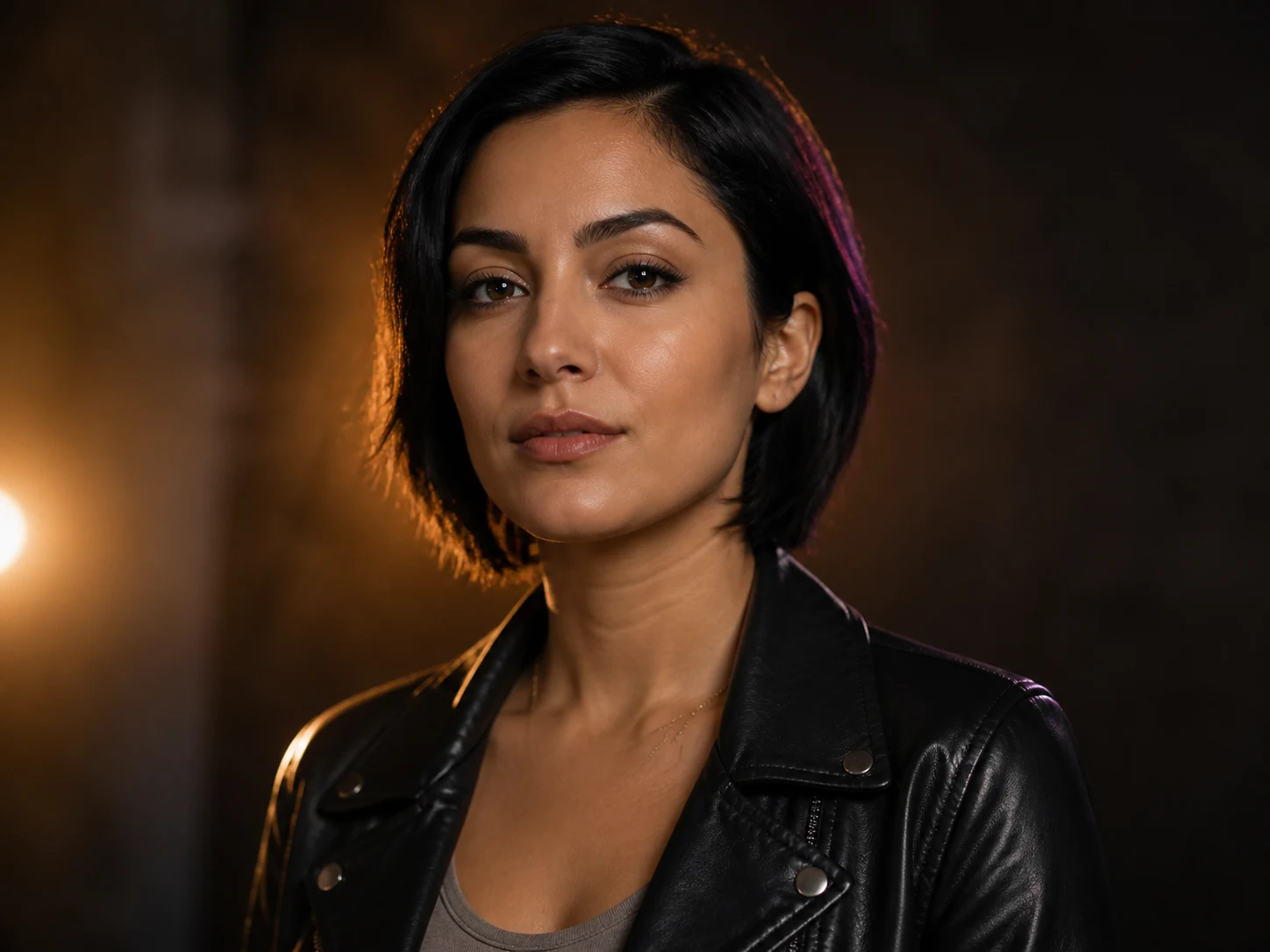
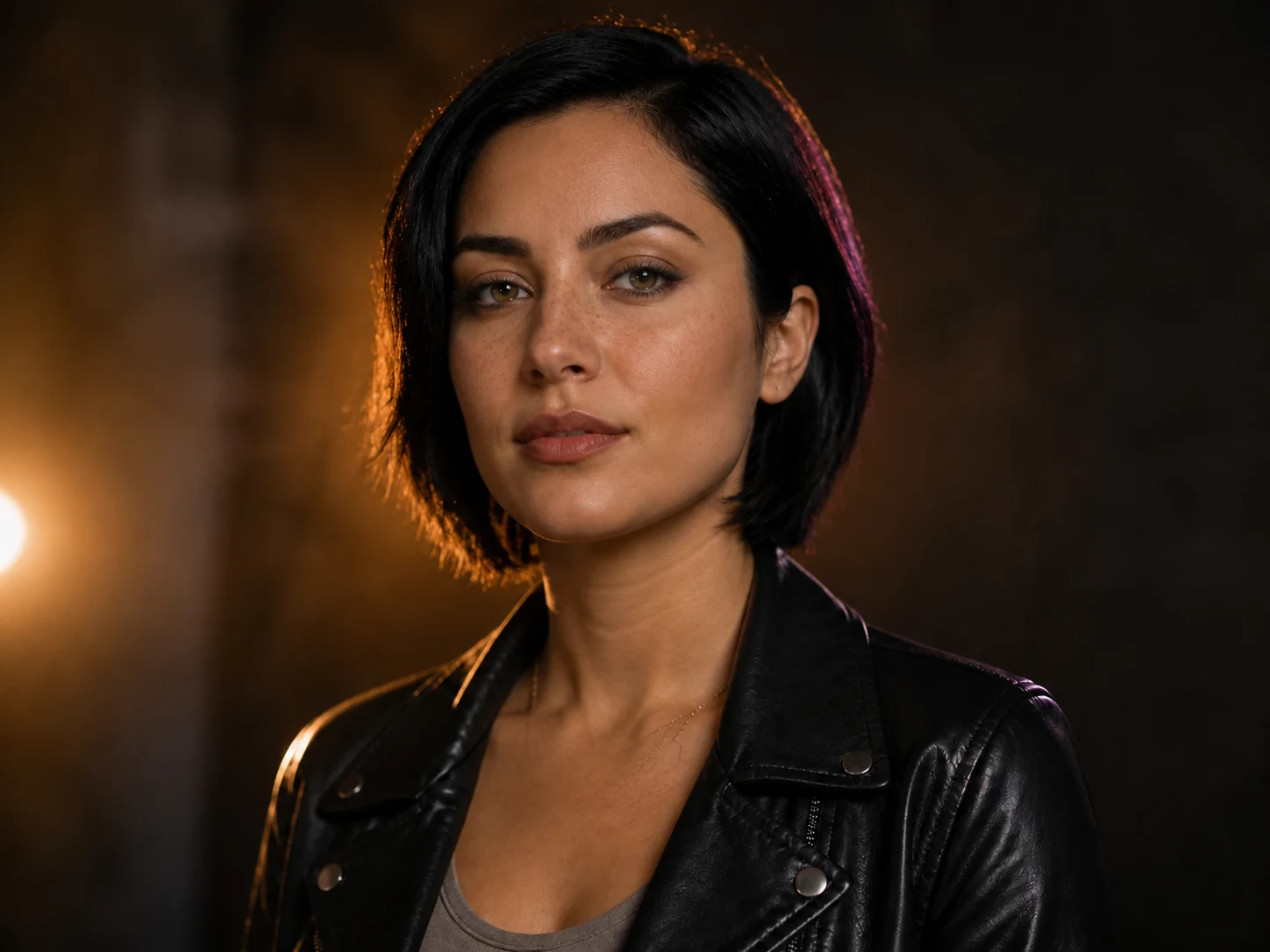
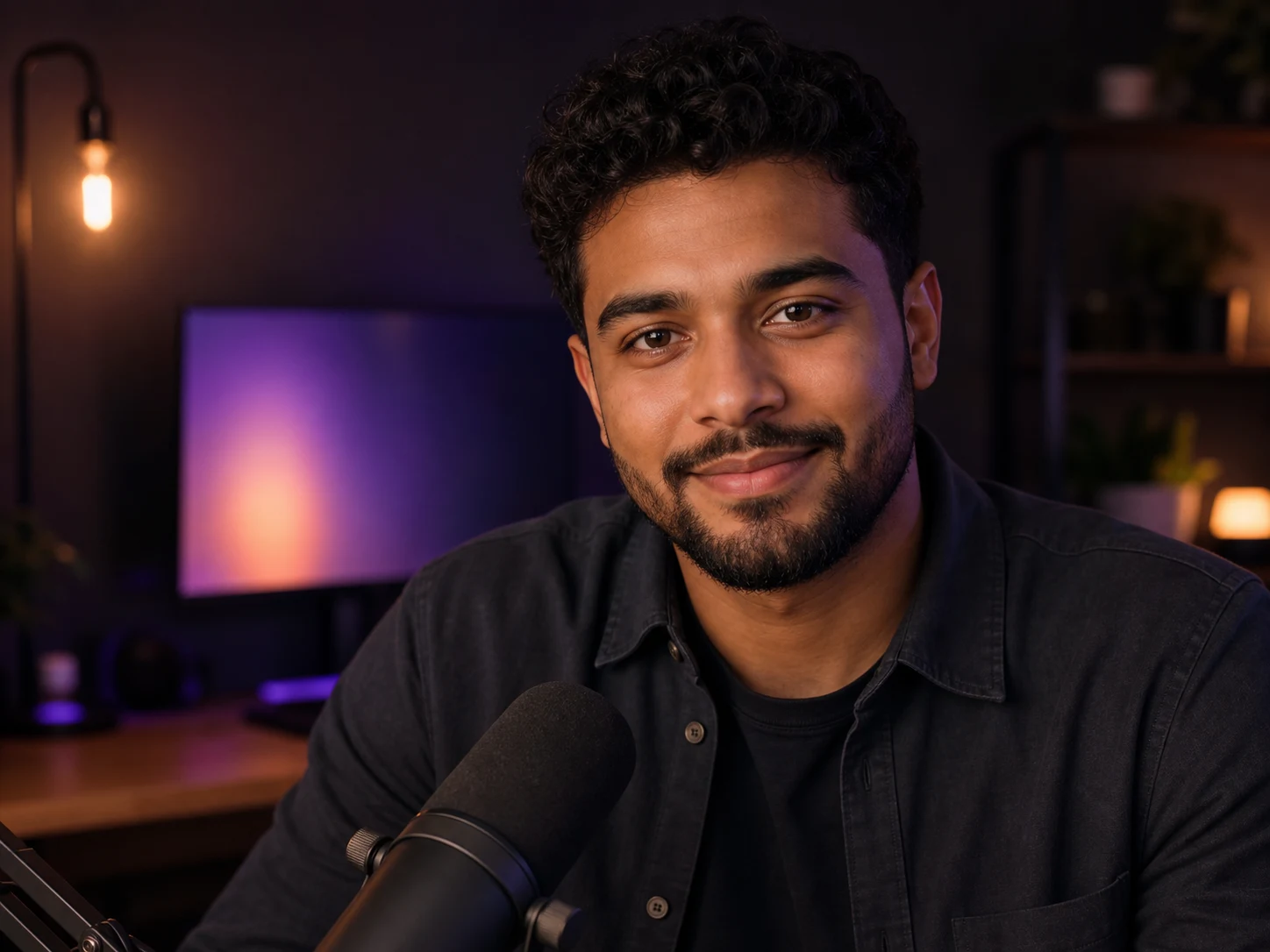
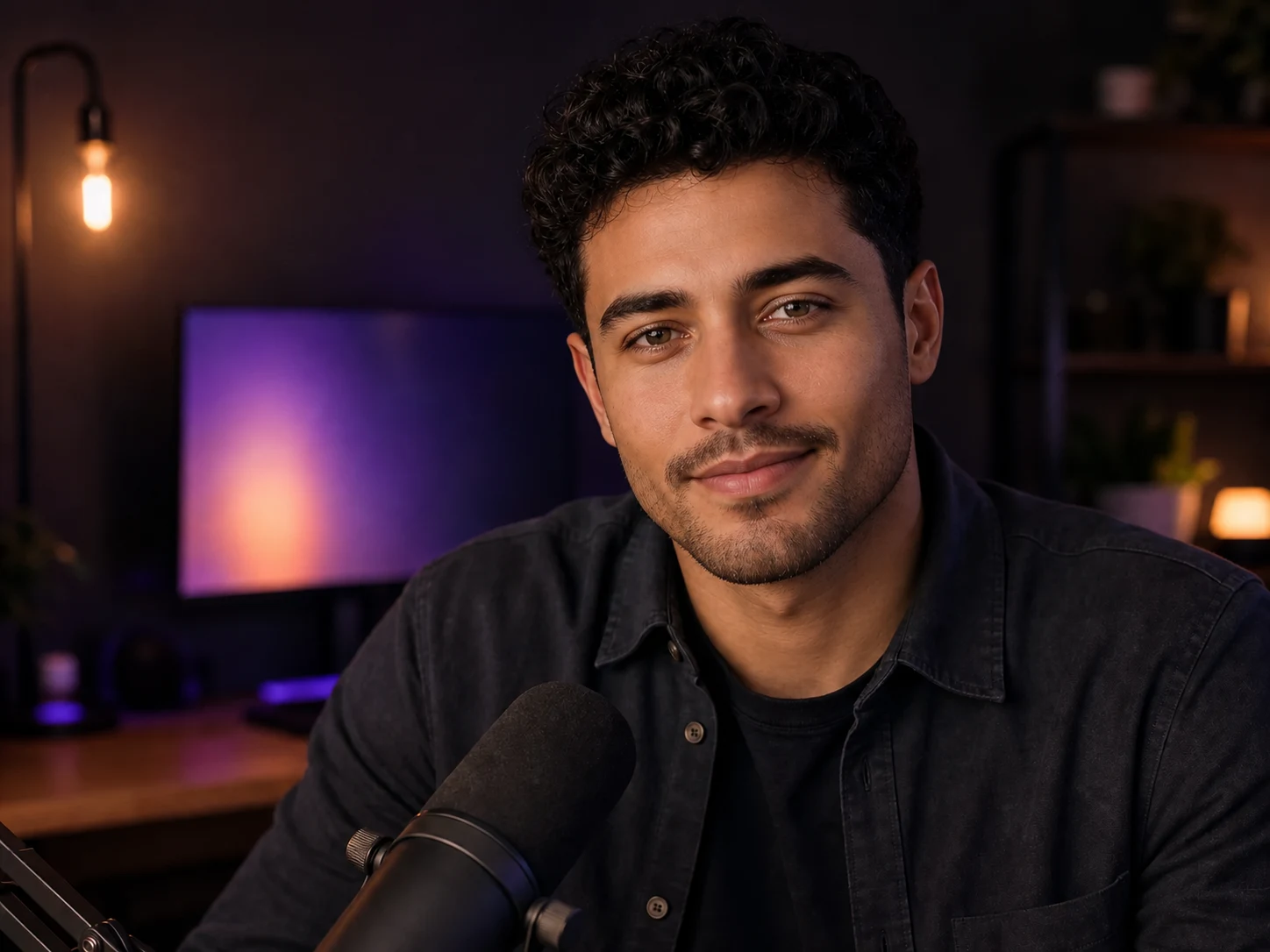
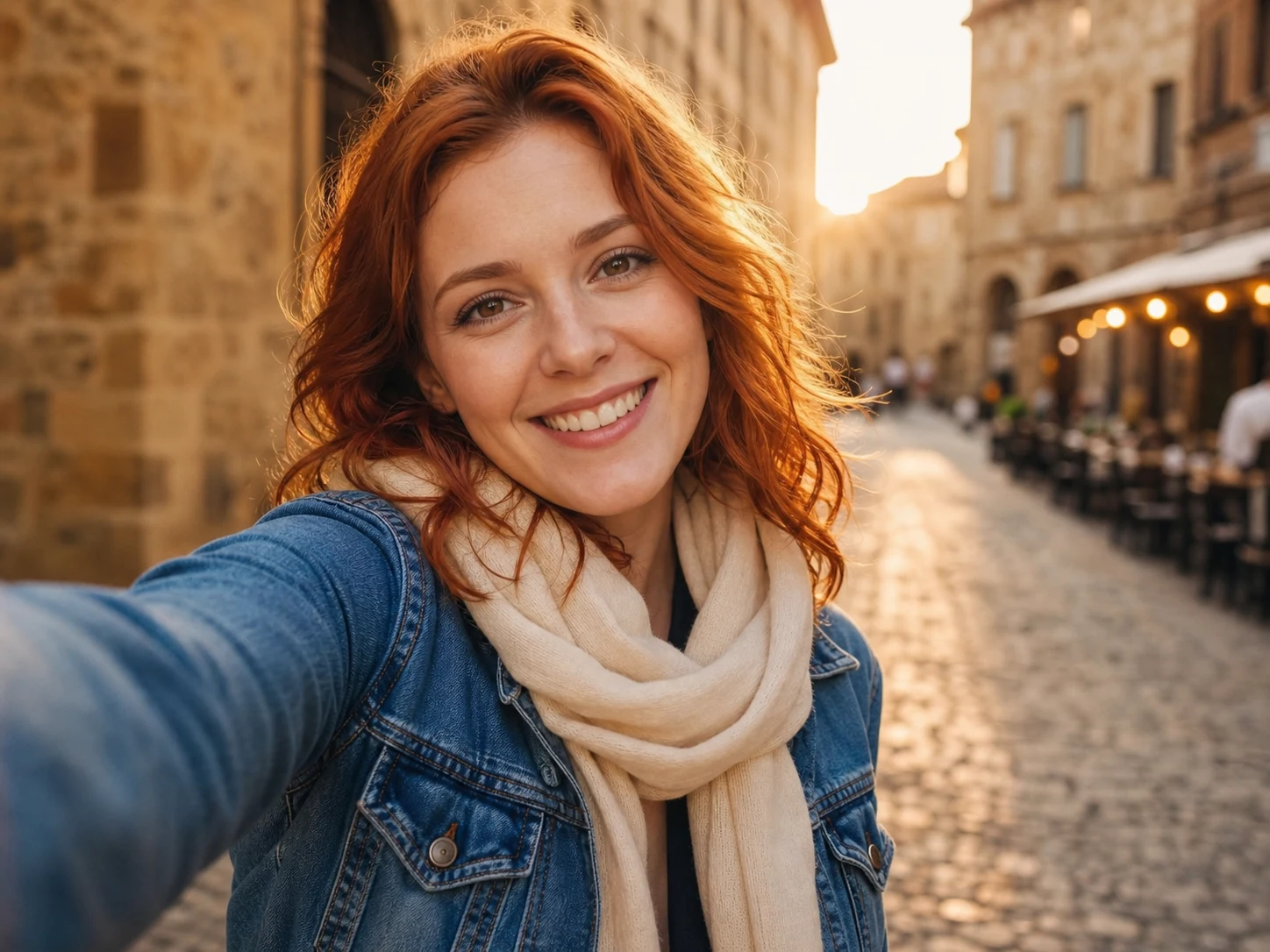
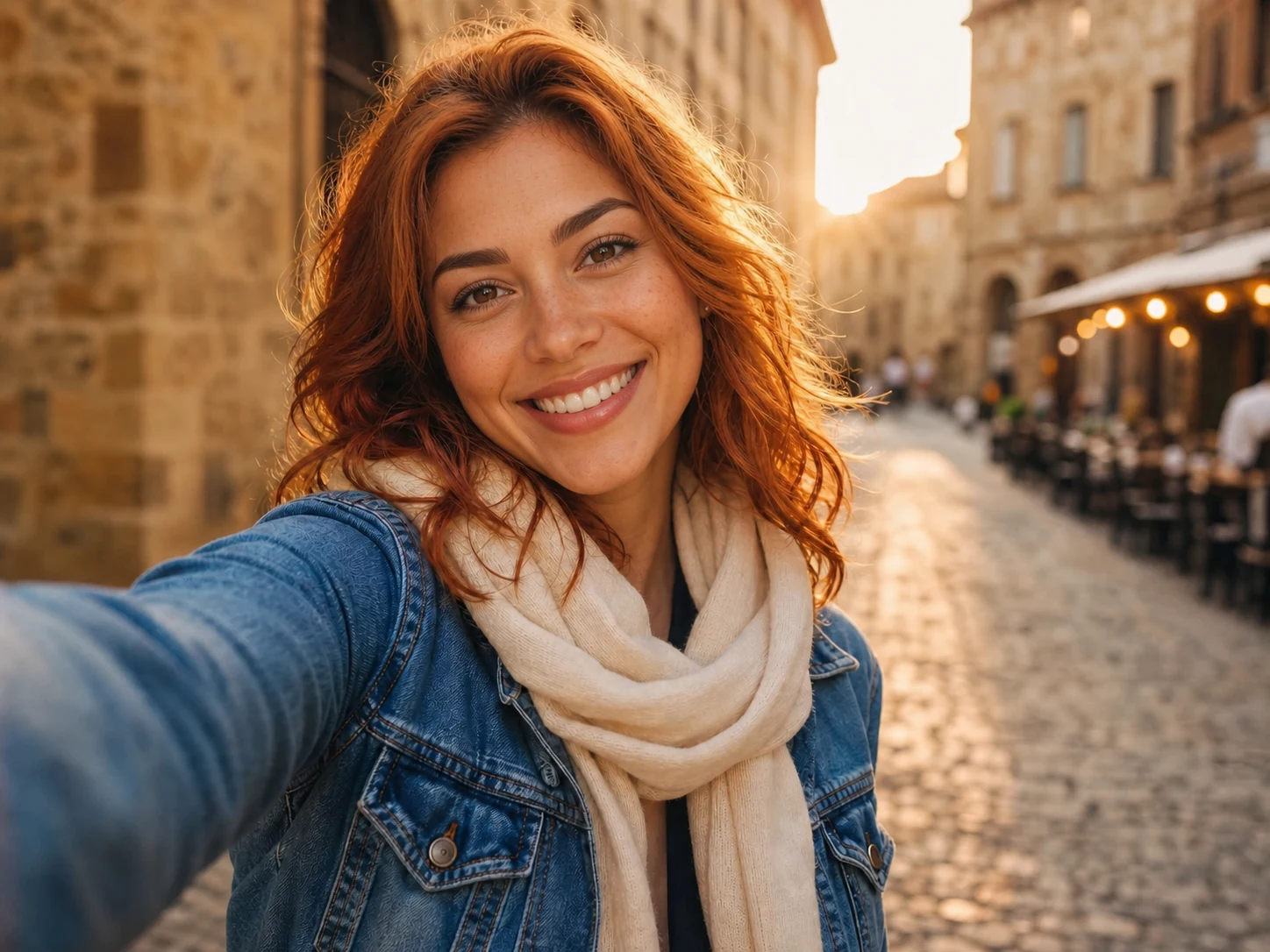
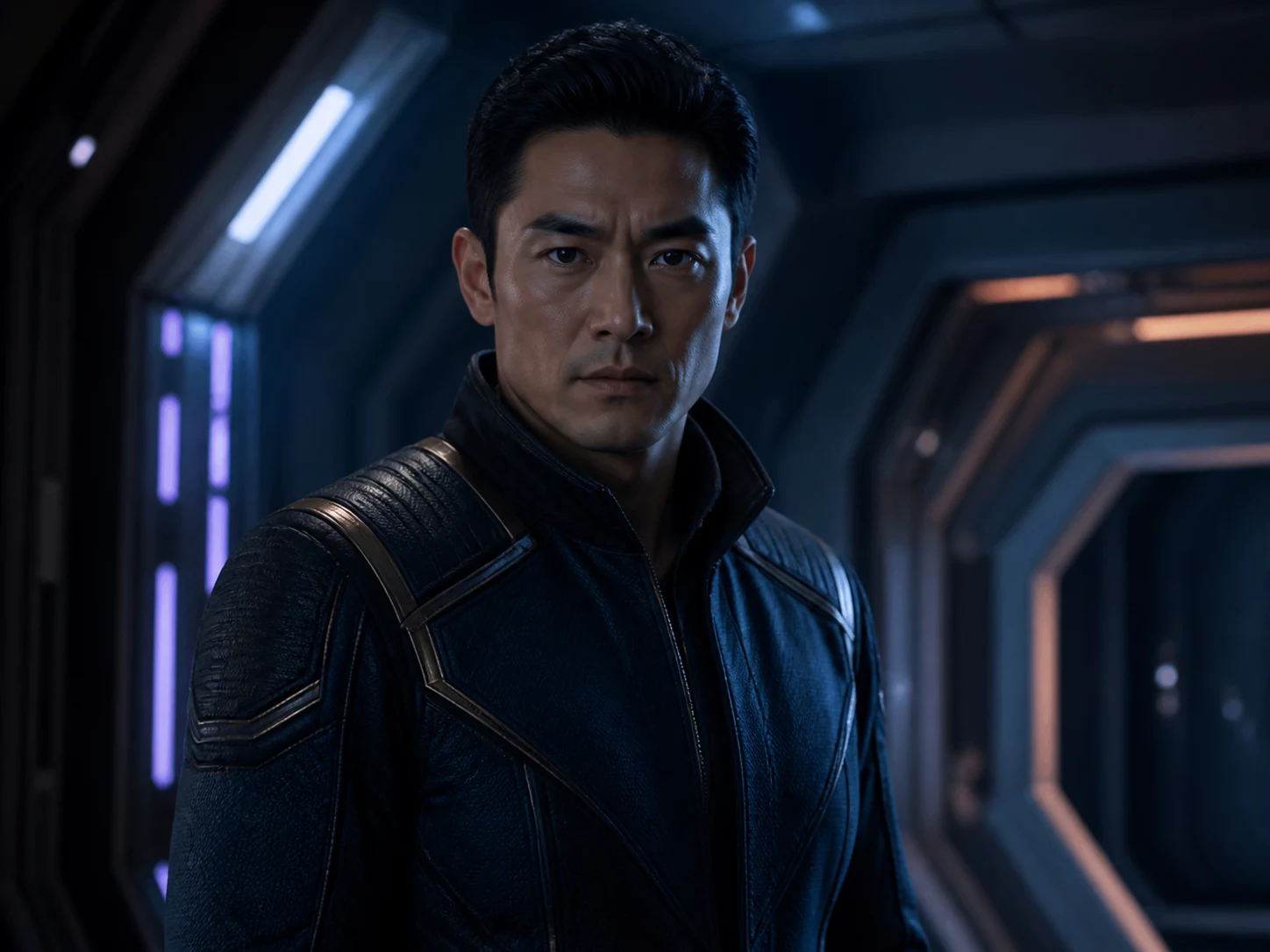

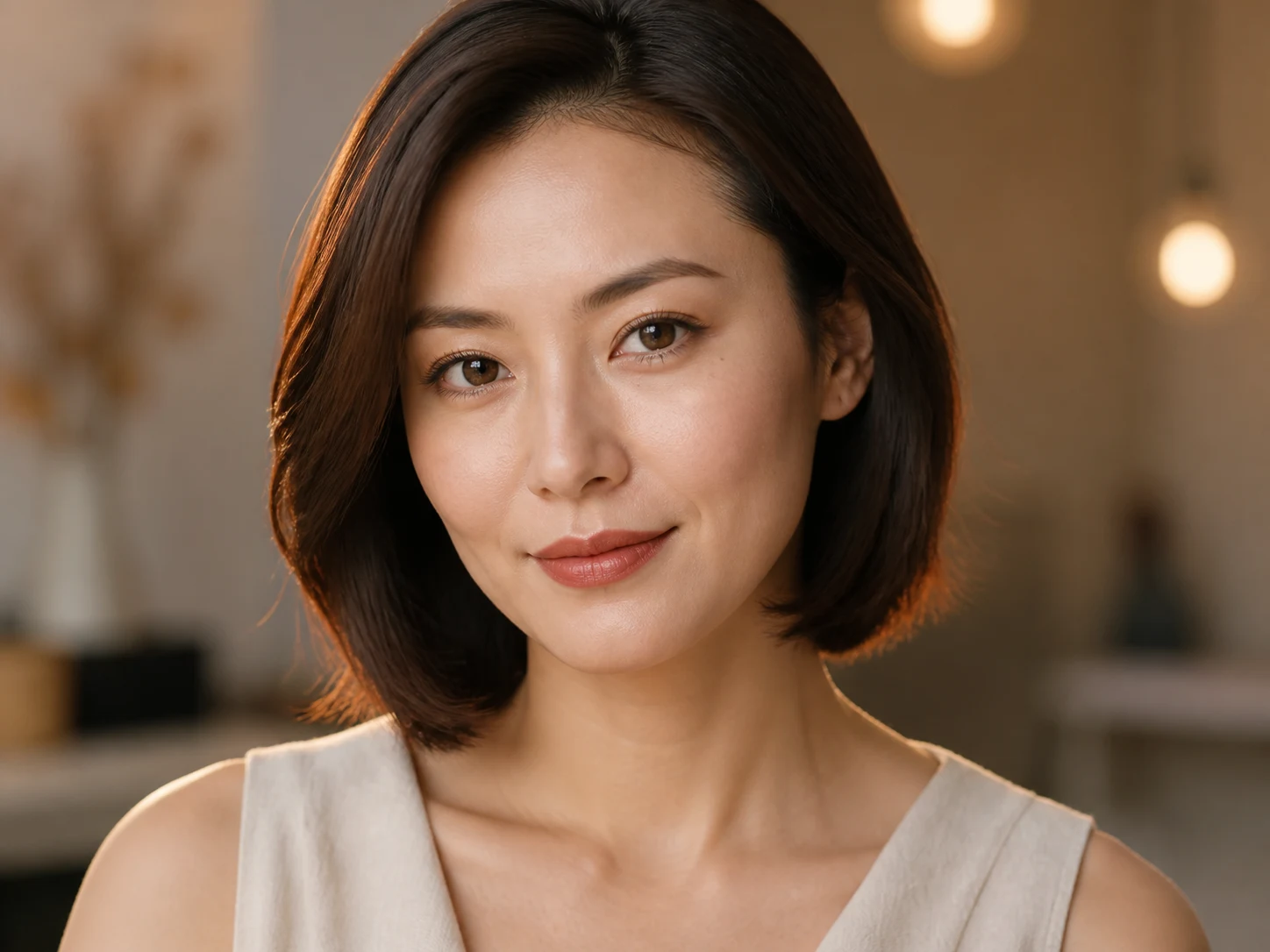
Realistic portrait prompt
Create a realistic portrait with soft natural light, clear skin detail, shallow depth of field, and an editorial magazine photography style.
All examples start from a reference image.
Use prompt recipes for portraits, group photos, thumbnails, avatars, memes, face blending, and video face swap drafts.

Create a realistic portrait with soft natural light, clear skin detail, shallow depth of field, and an editorial magazine photography style.

Create a premium studio product shot of a matte black skincare bottle on a soft beige background with natural shadows and clean editorial lighting.

Design a bold advertising poster with a clear focal subject, dramatic contrast, clean layout spacing, and campaign-ready visual hierarchy.

Keep the subject unchanged, replace the background with a clean white studio scene, and preserve natural product shadows.

Turn this portrait into a polished anime-inspired illustration while preserving the expression, pose, and original composition.

Improve product edge detail, make the lighting more natural, and remove distracting small objects from the frame.
Need 10 product shots for your store? Upload one photo, get variations instantly. No studio, no photographer.
Delete messy backgrounds with one click. Add professional scenes, gradients, or solid colors - takes 5 seconds.
Transform selfies into anime characters, 3D avatars, or oil paintings. Perfect for social media and gifts.
Got a low-res logo or old photo? AI upscales it to 2K while sharpening details - like magic.
No photographer needed. Upload a casual photo, get LinkedIn-ready headshots in multiple styles and backgrounds.
AI detects and fixes lighting, colors, and imperfections. One-click enhancement for amateur photos.
Photo face swap, face blending, enhancement, and image-to-image workflows for practical creator work
Upload a target photo and a reference face, then create a natural face swap for portraits, thumbnails, avatars, and memes.
Start Photo SwapStart a short-form video face swap workflow for creator clips, reactions, and motion-ready campaign drafts.
Open Video SwapRefine clarity, skin tone, contrast, and sharpness so face swap results look cleaner before sharing.
Enhance Face Swap


Use a target photo and a reference face to create a new version while keeping the original scene, outfit, pose, and framing intact.


Use one reference face to test social posts, creator thumbnails, profile images, and fun scene ideas before you polish the final version.


Keep the target scene intact while matching the new face to the lighting, shadows, and camera angle.


Adjust the swapped face for exposure, skin tone, and directional light so it fits the original photo.
The fastest path is simple: choose the target media, add the replacement face, check the preview, then generate the result.
Drag a photo or face reference here
Supports JPG, PNG, WebP, and AVIF images
Start with the image or clip you want to edit. Clear, front-facing faces usually give better results.
Use a face reference with good light and a similar angle. Tell SwapFace what should stay unchanged.
Check the face edges, skin tone, and expression. Then download the result or run another version.
Choose the plan that works best for you
One-time project pack • 900 credits
≈ 60 2K images
For creator tests, social posts, and your first batch of face swap assets.
One-time project pack • 2900 credits
≈ 193 2K images
For multi-version face swap visuals across thumbnails, ads, and seasonal campaigns.
One-time project pack • 10900 credits
≈ 726 2K images
For larger creator batches and repeated face swap production across a content calendar.
Payment protected by Stripe
Fast face swap workflows for visual experiments
SwapFace makes it much easier to test face swap ideas before we spend time in a full editor.
The browser workflow is simple enough for quick thumbnails and social experiments.
I can iterate on portrait concepts in minutes instead of bouncing between tools.
SwapFace gives our team a faster way to mock up creator-led campaign visuals.
Reference-guided face blending helps us keep edits more believable across a set of assets.
I like that I can stay close to the original scene while changing the face direction.
For meme and reaction content, the speed matters more than a complex desktop pipeline.
The workflow is direct: upload, describe the face swap, generate, and review.
SwapFace is useful when we need quick identity and expression experiments for concepts.
The safety notes around consent and impersonation are important for our review process.
Reference-driven edits help us keep creator mockups more consistent across a launch set.
It turns early face swap ideas into something the team can react to quickly.
Upload a photo or video, add the face you want to use, and turn a rough idea into a share-ready edit in minutes.